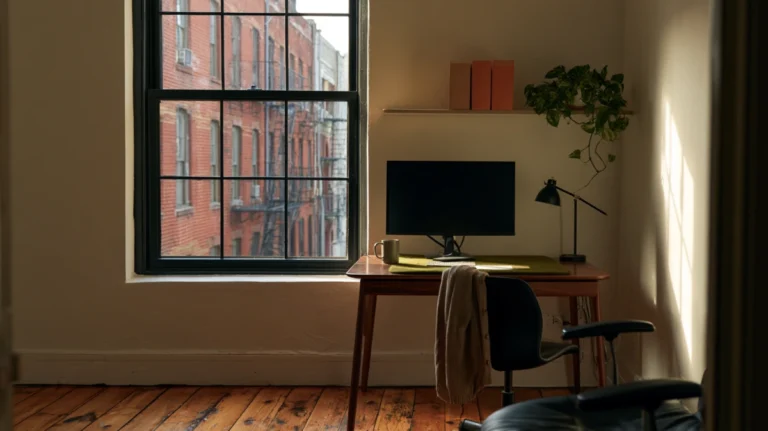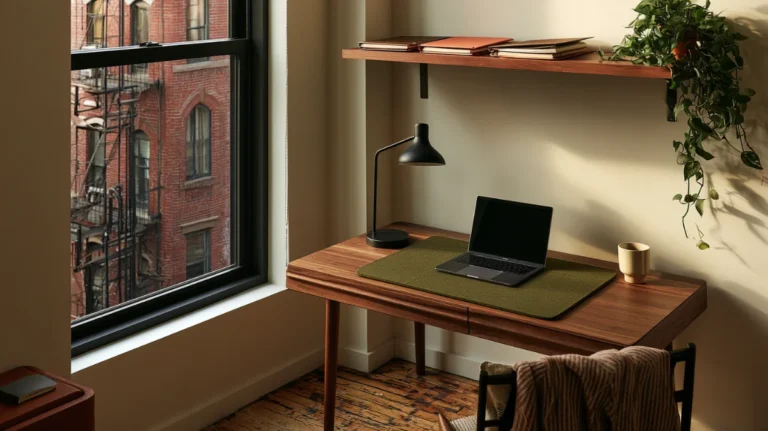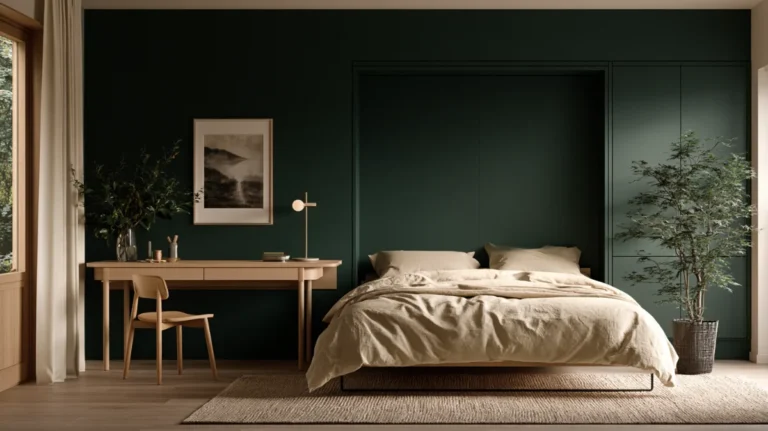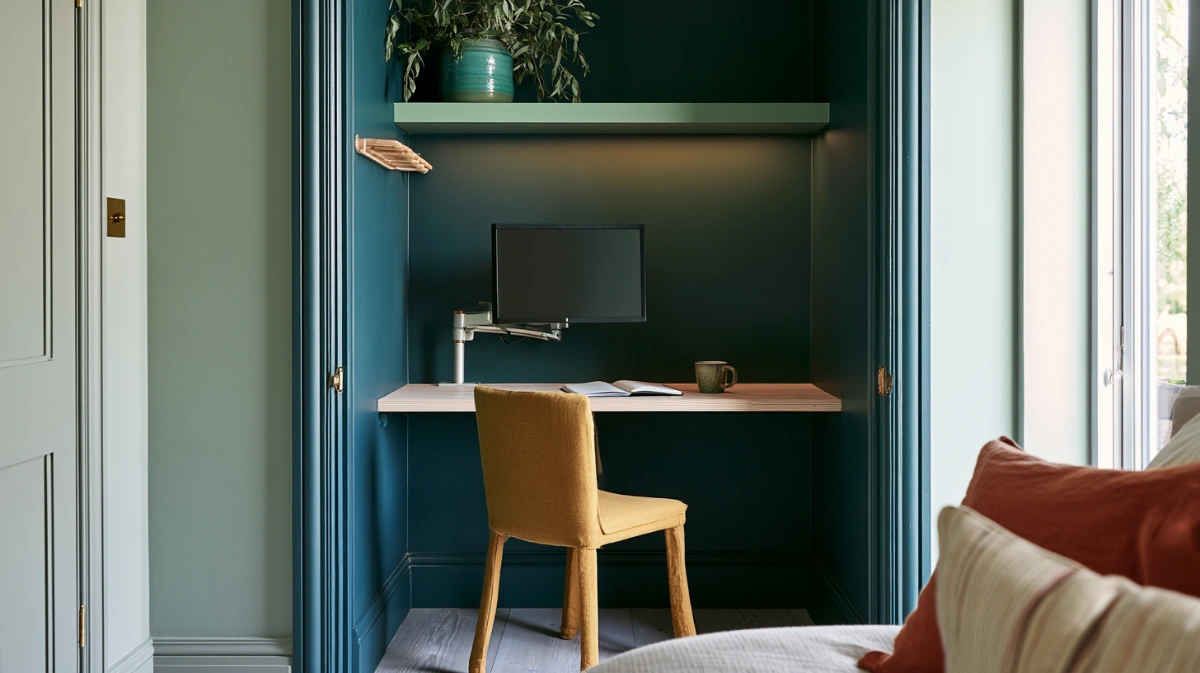


A cloffice works or fails on six things a closet was never built to supply. Depth, power, air, sound, light, and a door that behaves with someone inside it.
Five of those six are solvable. Depth is not, and it decides on its own whether the conversion is worth starting.
A standard reach-in gives about 23 inches of usable depth once you allow for the trim. A monitor on its own stand takes 8 inches and a keyboard another 6.
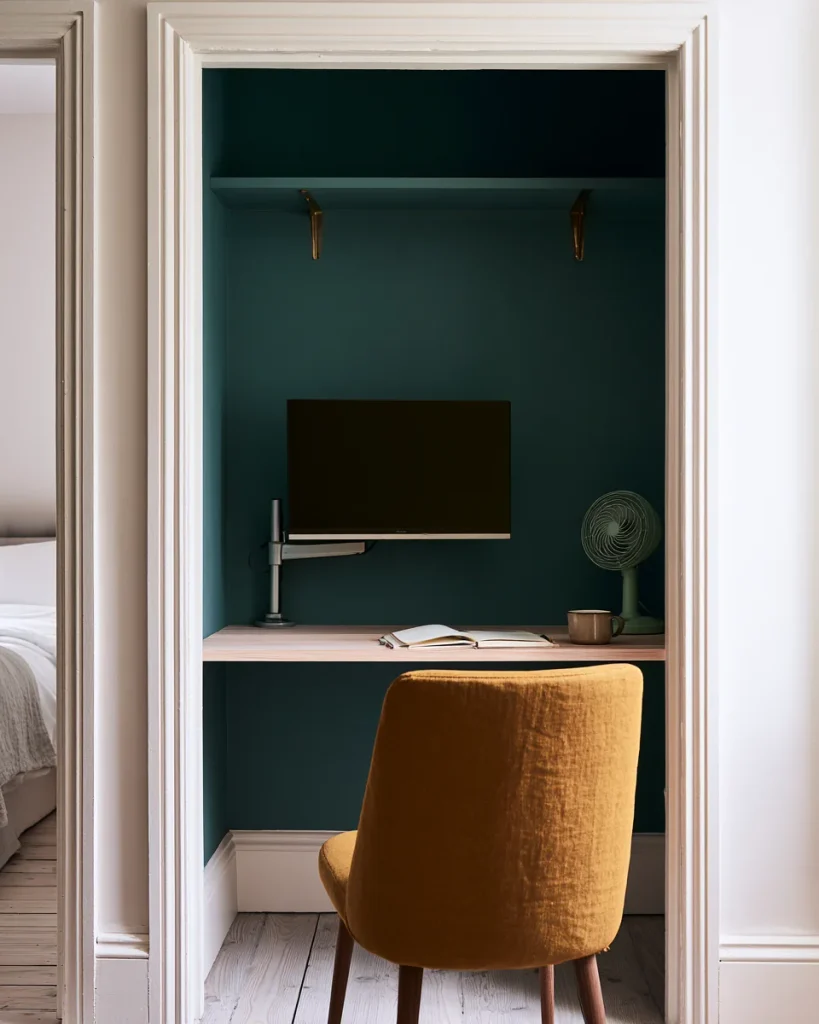
That leaves 9 inches in front of the keyboard for your forearms. Workable, and a monitor arm turns those 9 into 15.
What the closet was holding, and where that goes
Most cloffice ideas start at the desk. The first decision is the forty or so hanging garments that currently occupy the rod you are about to remove.
Hanging clothes take roughly 1.2 inches each along a rod, so a 48-inch rod carries about 40 items. A 72-inch rod carries about 60.
That volume has to land somewhere before the desk arrives, and the usual outcome of skipping this step is a finished cloffice with a clothes rail parked in front of it.
The shelf above the rod counts too. A 48-inch shelf at 14 inches deep is around 4.7 square feet of stacked storage, and it is usually holding the things nobody wants to deal with.
Do the storage move first, before you buy a desk or a single shelf.
Where forty garments can realistically go
- A second closet, if the rod there is under half full
- A freestanding rail in a corner the room was not using
- Under the bed, for anything out of season
- Out of the house, which is the only option that costs nothing
- A retained rod section, if you are converting only half the closet
The fourth option is the one worth taking seriously. Sorting the rail by the reason each item is still hanging there usually removes enough that the rest fits elsewhere without a new purchase.
Keep at least one hanging section if you are converting only half the closet.

The rod itself is worth keeping if the wall allows. It costs nothing to leave in place at one end, and it is the only part of the conversion that reverses in a minute.
Depth, which you cannot change
Closet depth is a wall position. Everything else on this page is a purchase or a wiring job, and this one is a builder.
That is why a closet office lives or dies on one measurement taken before anything is bought. A shallow reach-in cannot be argued with.
A reach-in runs 24 inches wall to wall. Take off the door jamb and the trim, and about 23 inches is genuinely available to a work surface.
| Setup | Depth used | Left for forearms |
|---|---|---|
| Monitor on its own stand, keyboard in front | 8 in stand plus 6 in keyboard | 9 in |
| Monitor on a clamped arm, keyboard in front | 2 in clamp plus 6 in keyboard | 15 in |
| Laptop alone on the surface | 10 in | 13 in |
| Laptop on a riser with a separate keyboard | 10 in riser plus 6 in keyboard | 7 in |
The arm is the highest value item in the whole conversion. Six inches of recovered depth is the difference between resting your forearms and perching them on the front edge.
Put the monitor on an arm clamped to the desk edge rather than on the stand it came with.
Viewing distance is the other half of it. A 24-inch screen wants to sit somewhere between 20 and 26 inches from your eyes, and a 23-inch closet puts it there without trying.
The floor in front of the opening matters as much as the depth behind it. A desk chair needs about 30 inches of clear floor to roll back and turn.
In a bedroom, that usually means the chair lives in the walkway when you are working. Check that the walkway survives it before you commit to the conversion.
Knee depth is the last one. Nothing goes under the surface at the back, because that is where your legs are, and a drawer unit under one end costs you the ability to sit square.
Depth is the only measurement this article covers, because the rest of the seated numbers are settled elsewhere. The five measurements that decide any desk setup apply here unchanged.
Measure the depth at the trim rather than at the back wall, and measure it at desk height.
Power, which you should not improvise
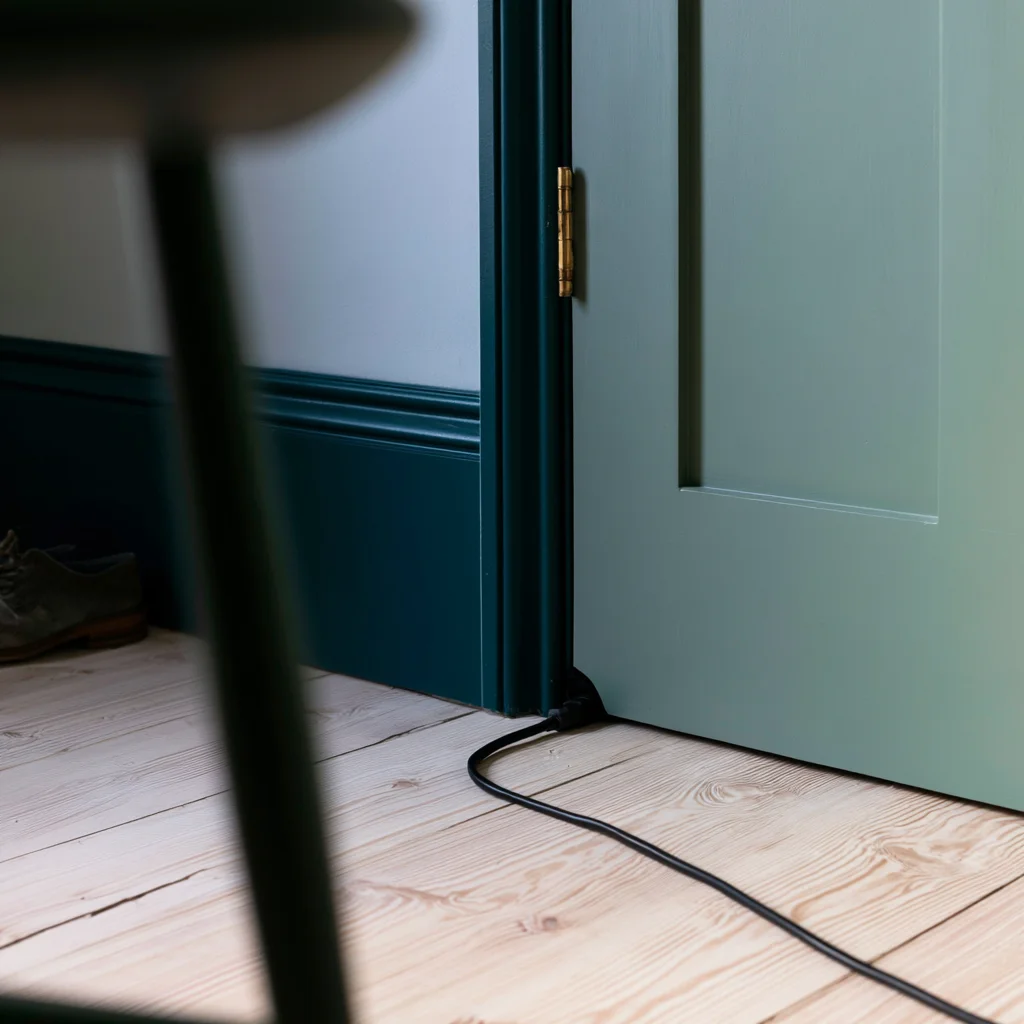
Almost no closet has a receptacle inside it. Almost every cloffice therefore ends up with a cord running out under the door to the nearest wall socket.
Power is the one service where the cheap workaround and the correct answer are genuinely different things, rather than one being a slower version of the other.
That is the one shortcut worth refusing outright.
The Electrical Safety Foundation International is direct about it. An extension cord is a temporary solution rather than a long-term extension of a home electrical system, and around 3,300 US home fires start in extension cords each year.
A cloffice is not temporary. It runs a monitor, a laptop charger, and a lamp, eight hours a day, through a cord that gets shut in a door every evening.
The current draw is not the problem. Around 175 watts at 120 volts is under 1.5 amps, which any household cord carries without effort.
The problem is the duration and the pinching. A cord that is crushed in a door hinge every day fails at that point, and it fails inside the door where you cannot see it.
Have an electrician add a receptacle inside the closet rather than running a cord under the door permanently.
If a new receptacle is not possible
- Use a surge-protected strip rated above the total draw, never a plain cord
- Route the cord through a doorway gap that never closes on it
- Leave the closet door ajar so nothing is pinched or covered
- Keep the total load low by charging the laptop outside working hours
- Do not add a heater or a fan to the same cord, which is where cords overheat
The cord test is simple. Put your hand on it after four hours of work. If it is noticeably warm anywhere along its length, or warm at either plug, it is carrying more than it should, and the setup needs an electrician rather than a longer cord.
Air, and the 175 watts you just put in it
A closet is a sealed box that was designed to hold coats. Now it holds a person, a laptop, and a screen, and all three of those are heaters.
A seated adult gives off roughly 100 watts. A laptop under load adds about 50 watts, and an external monitor another 25, so call the total 175 watts.
A 24 by 48 by 96 inch closet holds 64 cubic feet of air, which is 1.81 cubic metres. Sealed and completely still, 175 watts into that volume works out to near 5 degrees Celsius per minute.
Real closets leak and the walls soak up heat, so nothing like that happens. The direction is the useful part, and it explains why a cloffice with the door shut becomes unpleasant inside half an hour.
Humidity rises with it. A person exhales moisture all day, and in a small unventilated volume that lands on the coolest surface, which is usually the outside wall.
If the closet backs onto an exterior wall, that is worth watching in winter. A cold back wall plus a warm occupied box is the standard recipe for a damp patch.
Ways to move air, cheapest first
- Work with the door open, which solves it for free
- Replace a solid door with a curtain, which never seals
- Cut or fit a vent grille low in the door and another high
- Run a small clip fan pointed at the back wall rather than at you
- Leave a gap above any upper shelf so warm air is not trapped at the top
Two vents beat one. Air needs somewhere to leave as well as somewhere to enter, so a low grille and a high grille do more than a single large one.
Work with the door open, or fit a vent, before you fit anything else in the space.
Sound, where a closet beats a normal room
This is the one category where the conversion starts ahead. A closet is small, irregular, and, if you kept any clothes in it, full of soft, absorbent material.
A closet desk on a video call sounds better than the same laptop on a dining table, and it costs nothing to arrange.
Voice work has used closets for exactly this reason for decades. Hard parallel walls create the flutter echo that makes a call sound like a bathroom, and clothes kill it.
So the sound advice runs backwards here. Stripping the closet bare and finishing the back wall in something hard undoes the one advantage the space came with.
Keep soft material on at least one side wall. A stripped closet with painted plasterboard on three sides is a worse call environment than the bedroom it sits in.
What to keep or add for sound
- A retained hanging section on the side wall, which is free treatment
- A fabric curtain instead of a hard door
- A rug remnant on the closet floor rather than bare board
- Felt or fabric panels on the wall behind the screen, where your voice reflects back
- A soft pinboard rather than a glass or metal one
Microphone placement does not change in a closet, so nothing about the general advice needs adjusting. The room is already doing more of the work than a bedroom would.
Read more: the height bands that decide what a closet holds before you convert it
Light, the easiest of the six
A closet has no window and usually no switch inside it. That sounds like a problem, and it is the cheapest thing on this list to fix.
A small cloffice needs less light than a room does, because every surface is close and pale walls bounce most of what you put in.
The mistake is lighting the desk surface. A bright pool on the desk with a dark wall behind the screen gives you the worst contrast in the room, right where you are looking.
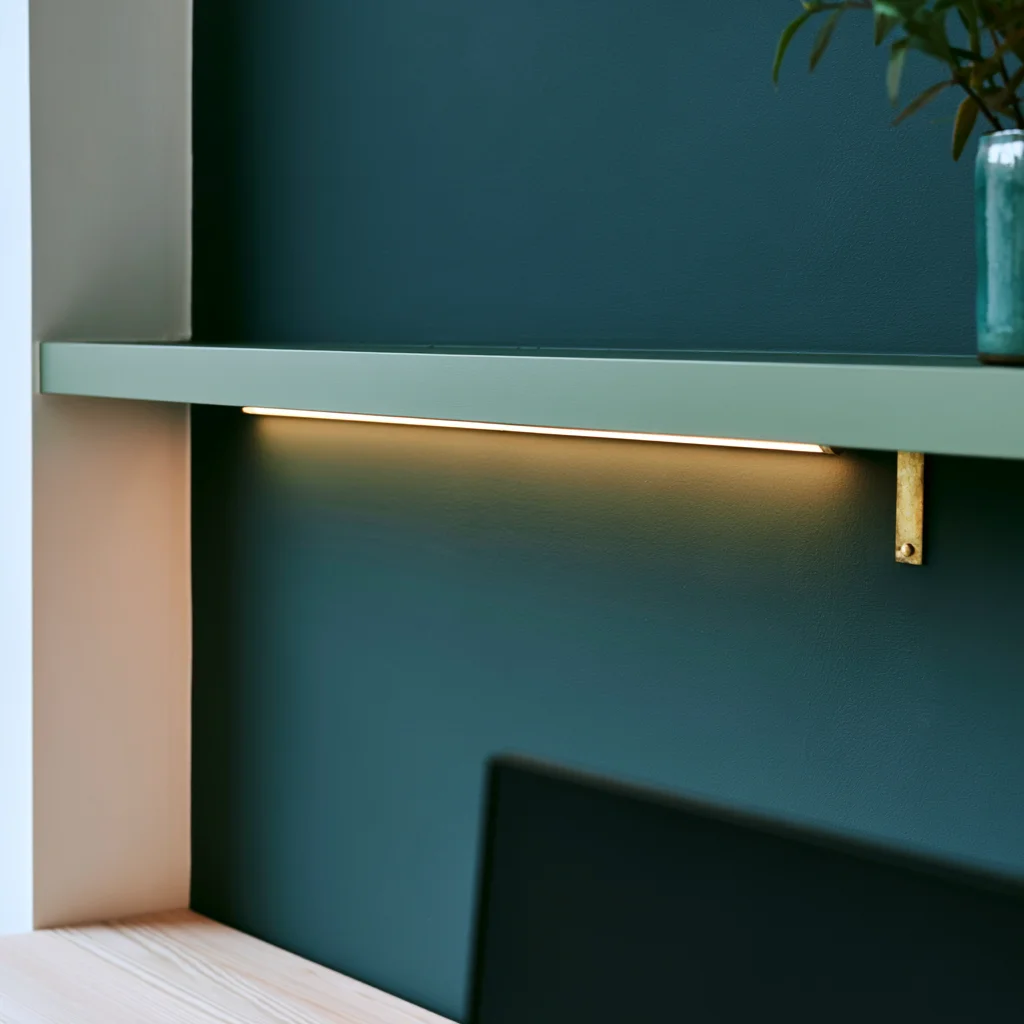
Light the wall in front of you rather than the desk surface.
A strip under the upper shelf bounced off the back wall does more for eye comfort than any lamp aimed downward.
Add a task light only if you handle paper. A screen supplies its own light and a second source aimed at it just adds glare.
Plug-in fittings beat hardwired ones here for the same reason they beat them anywhere in a rental. Nothing comes out of the ceiling at the end of a tenancy.
Light the space in this order
- A strip along the underside of the upper shelf, aimed at the back wall
- A plug-in sconce on the side wall for the face, if you take video calls
- A small task lamp last, and only for paper
- Nothing overhead, which puts your own shadow on the desk
Colour temperature and glare are general problems rather than closet ones, and the lighting decisions that apply at any desk carry over without adjustment.
The door, and what it stops being
Closet doors are designed to be shut on things, not opened by someone sitting inside. Bi-folds are the worst of them, since the folded panels sit in the space your chair needs.
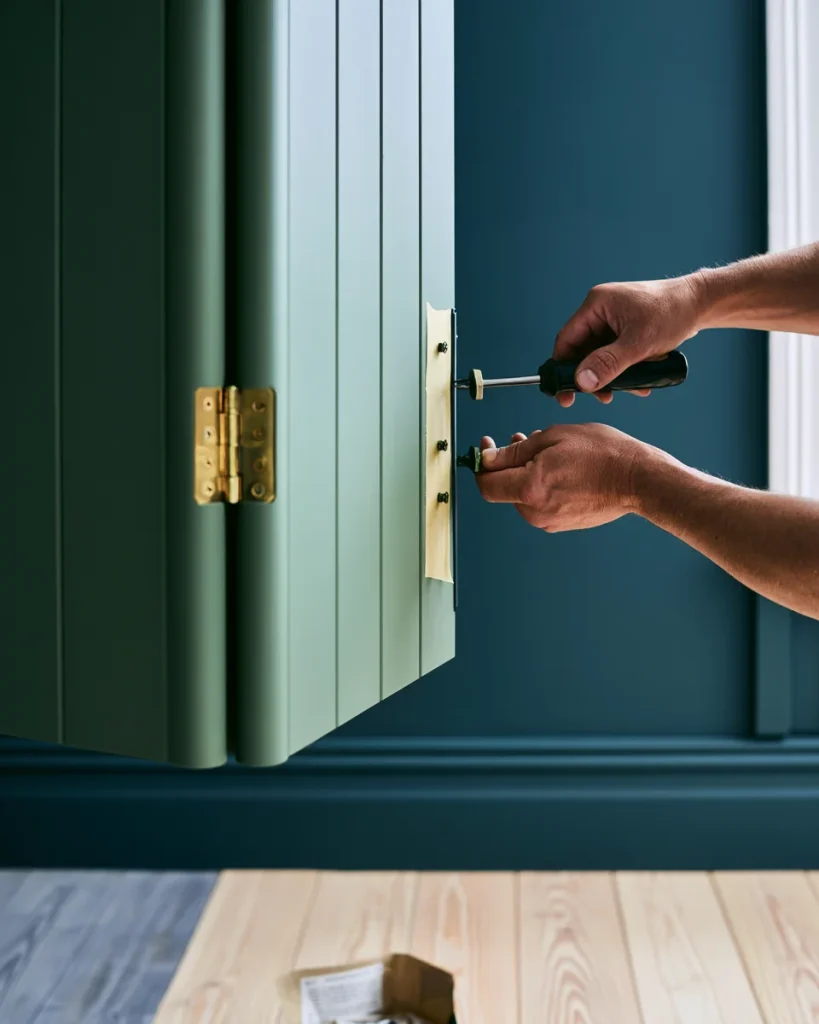
Removing the doors is usually right, and it is reversible. Label the hinges, bag the hardware, and put both panels flat under a bed.
Track hardware is the part that goes missing. Tape the screws to the track itself rather than putting them in a drawer with everything else.
Door options, ranked by what they cost you
- Remove entirely, which costs nothing and gains the most room
- A ceiling-mounted curtain, which closes the zone and never seals
- A single sliding panel, if the wall beside the opening is free
- Keep the bi-folds, which costs you the chair position and the airflow
- A barn door, which needs a wall beside the opening and takes a fixing into studs
Closing off a zone without a door is a recurring problem in small homes, and what a curtain costs you in daylight compared with a solid panel applies to a closet opening as much as to a room.
Photograph the closet before you remove a single fixing, including the inside of the door frame.
If you rent
Everything above splits cleanly into what comes out at the end of a tenancy and what does not. The split is worth knowing before you start.
| Change | Reversible | What it needs |
|---|---|---|
| Removing doors and the rod | Yes | A screwdriver and a labelled bag |
| Freestanding or clamped desk | Yes | Nothing fixed to a wall |
| Adhesive strips and tension rods | Yes | Nothing drilled |
| Peel and stick wallpaper | Usually | Test one strip on the paint first |
| Wall-mounted floating desk | No | Fixings into studs and permission |
| A new receptacle | No | An electrician and the landlord |
A floating desk is the item most cloffice guides open with, and it is the one a tenancy is least likely to allow.
A clamped or freestanding surface does the same job and leaves nothing behind. The only thing you lose is the clear floor under the desk, which a closet does not have much of anyway.
The load question is the same one any mounted shelf raises, so what a fixing genuinely holds on which wall type decides whether the floating version is even available to you.
If the closet you are converting was the only one in the room, that changes the whole calculation, and the storage options for a bedroom with no closet at all come first.
Read more: the five conflicts that come up when a desk shares a bedroom
When a cloffice is the wrong answer
Several situations make the conversion a poor trade, and it is cheaper to know now than after the rod is out and the shelf is on the landing.
Closet office ideas tend to be photographed in deep walk-ins and applied to shallow reach-ins, which is where most of the disappointment comes from.
The depth cutoff is the firm one. Below 20 inches, a monitor arm does not recover enough room for a keyboard and forearms at the same time.
Do not convert if any of these is true
- The closet is under 20 inches deep, where no arm recovers enough room
- It is the only closet serving the only bedroom
- The opening is under 30 inches wide, which leaves no room for a chair to turn
- You need to take video calls, and there is no wall for a sconce
- The room already has a wall that would take a desk without losing storage
The last of those is the one that gets skipped. A desk against a bedroom wall keeps the closet and often works better than the conversion would.
The storage a small bedroom is not currently using usually turns up the wall space to do it without giving anything up.
A spare room is a different case again, since the desk has to coexist with a bed rather than with clothes, and the dual-mode setup for a room that hosts guests handles that trade.
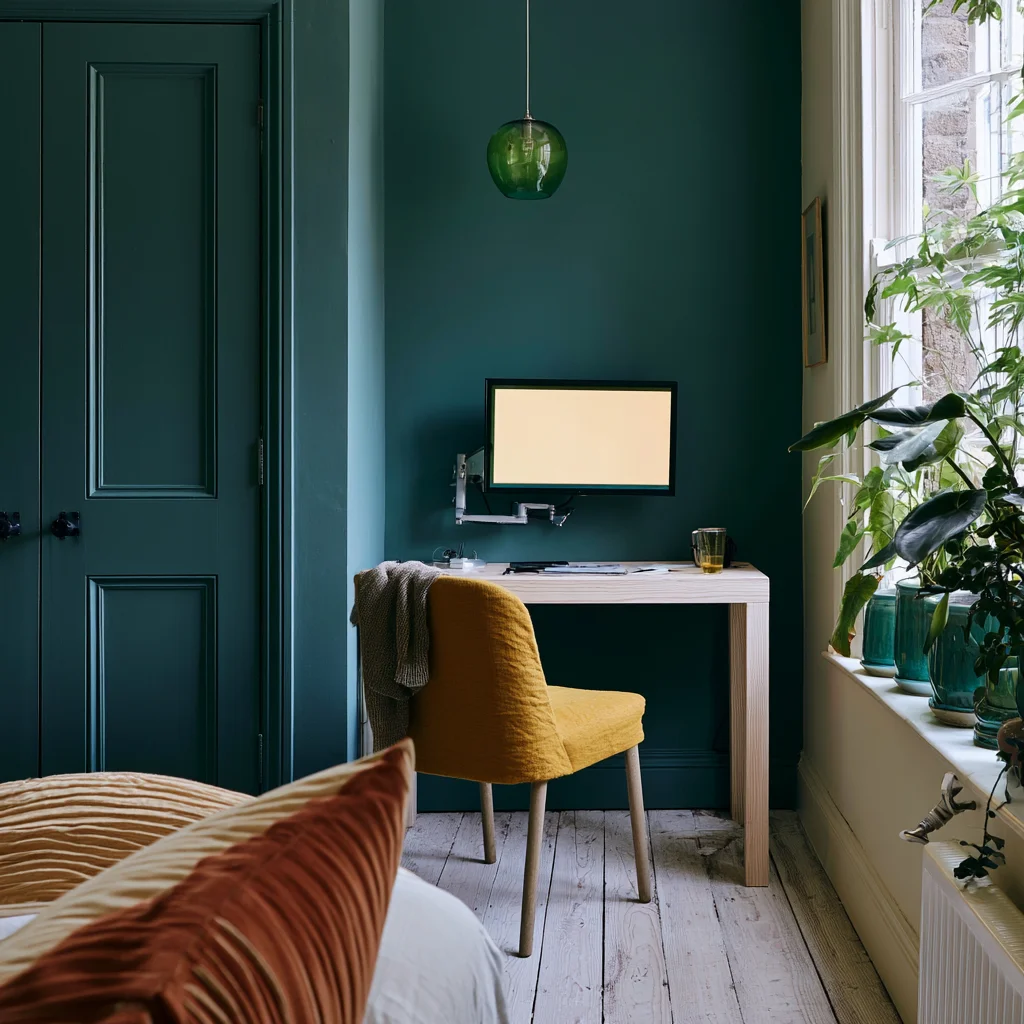
Read more: what changes when the work is craft rather than screen work
In this order
Each step below changes the constraint for the next one, which is why the sequence matters more than the shopping list.
The week at the end is not padding. A cloffice that fails does so on heat or on the chair position, and neither shows up until you have worked a full week in it.
The build order
- Measure the depth at the trim and confirm it clears 20 inches
- Move the hanging contents out and decide what does not come back
- Sort power, since it decides where everything else can sit
- Remove the doors and bag the hardware
- Fit the surface, then the monitor arm, then the shelf above
- Light the back wall, and add the sconce only if you take calls
- Work in it for a week before fixing anything permanently
What goes on the finished surface is the last decision and the easiest to get wrong. The three jobs a desk surface has and the one it has room for is the right place to settle it.
A cloffice is a small conversion with one hard limit and five soft ones. Check the depth, sort the power, then spend the rest of the budget on the arm and the light.
Everything else on the usual cloffice shopping list is decoration. The pegboard and the wallpaper can wait until you know the space works for a full week of actual work.