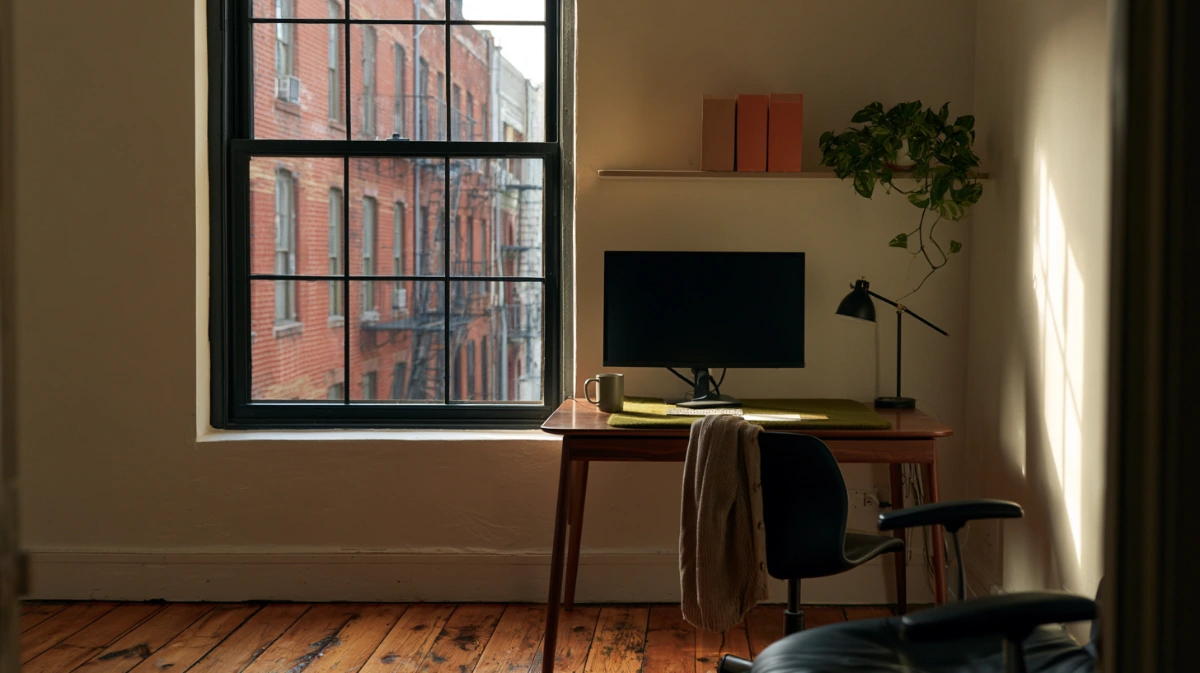


A home office setup is decided by five numbers: desk height, elbow angle, monitor distance, monitor height, and where the light comes from. Get those right, and the room works. Get them wrong, and no chair fixes it.
This one is a reference rather than a read. Work through it with a tape measure beside you.
Decide Where the Desk Goes Before You Buy Anything
The spot is chosen by power and light, not by which wall looks emptiest.
Moving a desk after the fact is easy. Moving an outlet is not.
Noise matters less than people expect, and light matters more. You can wear headphones. You cannot wear a window.
What has to be true about the spot
- A wall socket within 6 feet, or a route for an extension that does not cross a walkway
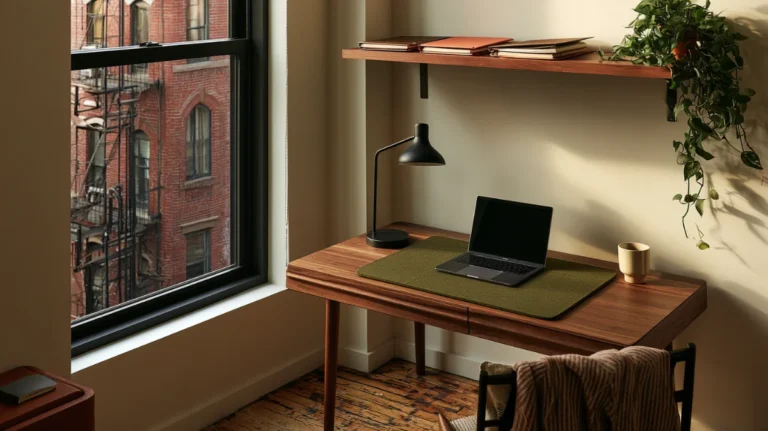
- A window to the side rather than behind you or behind the screen
- At least 30 inches of clear floor behind the chair so it can push back
- A door you can close, or a corner you can turn your back to
- A wall you are allowed to fix a shelf to, if you rent
Fail more than one of those and the next spot is usually better, even if it is smaller.
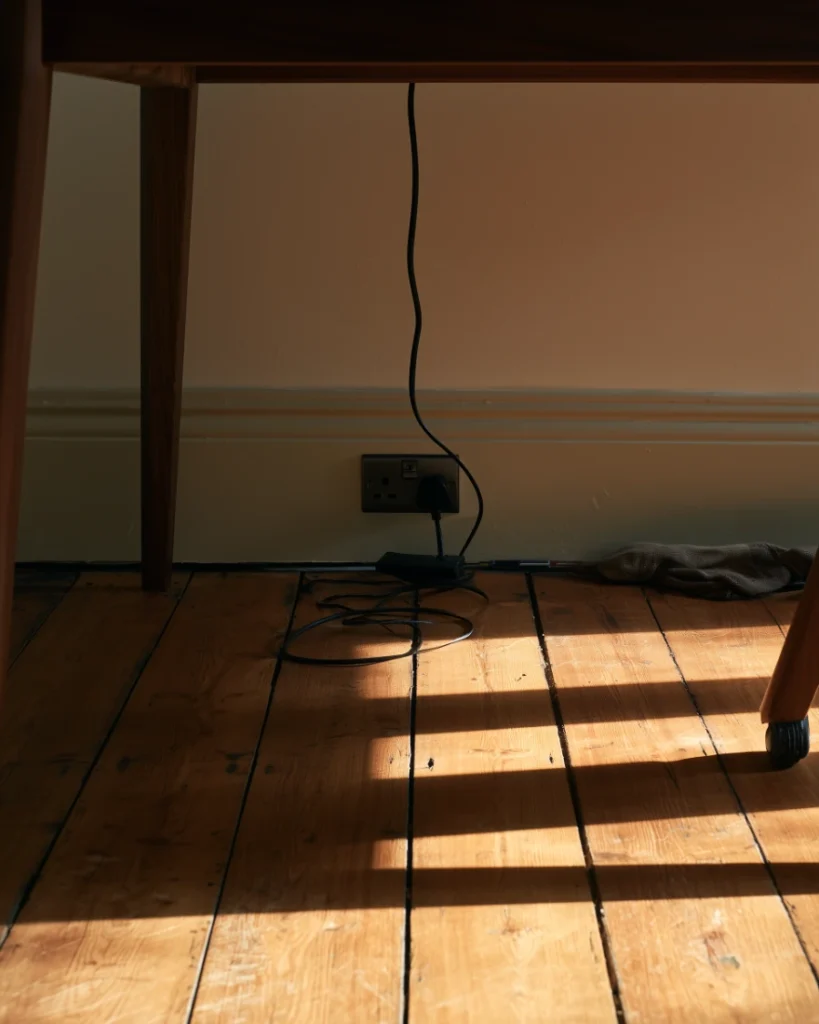
Why the outlet map comes first
Count the plugs before you count the drawers. A laptop, a monitor, a lamp, and a phone are four, and most rooms offer two.
One surge protector at the desk, one cable to the wall. That is the target, and it is much easier to hit before the desk arrives.
Check whether the socket sits behind where the desk will stand. A plug needs about 3 inches of clearance behind the back edge.
If it does not, the desk comes forward 3 inches and you lose that from the walkway. Better to know now.
Cable routing after the fact is a separate afternoon, and bundling at the plug rather than halfway along the run is what makes it stay tidy.
The Five Measurements
These are the numbers worth a tape measure. Everything else in a home office setup is preference.
| What | Target | How to check it |
|---|---|---|
| Desk height | Elbows at 90 to 100 degrees when your hands are on the keyboard | Sit down, drop your shoulders, look at your forearms |
| Chair height | Feet flat on the floor, thighs roughly parallel to it | If your feet dangle, the chair is set to the desk and needs a footrest |
| Monitor distance | 20 to 40 inches from eye to screen | Sit back, extend one arm, your fingertips should reach the screen |
| Monitor height | Top of the screen at or just below eye level | Look straight ahead with your head level; you should meet the top third |
| Light direction | From the side, never behind you or behind the screen | Turn the screen off and look at the reflection |
How to read the table
Work down it in order. Each row assumes the one above is already set, which is why chair comes before monitor.
Every check is something you do sitting in the chair, not something you measure with the room empty.
Desk height and elbow angle
Standard desks are built at 28 to 30 inches, which suits roughly the middle of the adult range and nobody else.
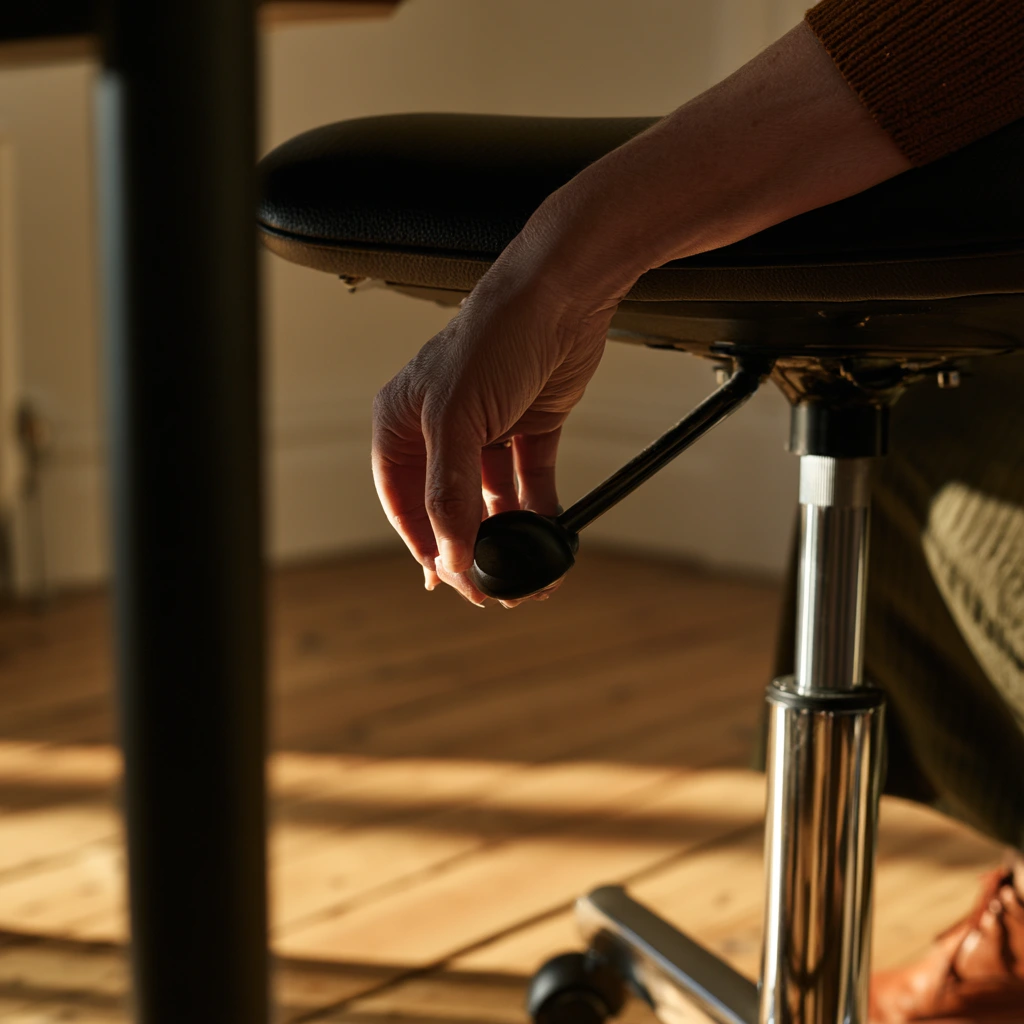
Set the chair first, then close the gap. Raise the chair until your elbows sit right, then fix whatever that does to your feet.
- Feet dangling, add a footrest or a stack of books
- Elbows too high: the desk is too tall, so raise the chair further and add the footrest
- Elbows too low, raise the desk on risers rather than lowering the chair
Adjust the chair to the desk, not the desk to the chair. The desk is the fixed object in almost every rented room.
A dining chair is almost always too low for a dining table used as a desk. That combination fails both rows at once.
A firm cushion is the cheapest fix, and it works. A soft one compresses and puts you back where you started.
Monitor distance and height
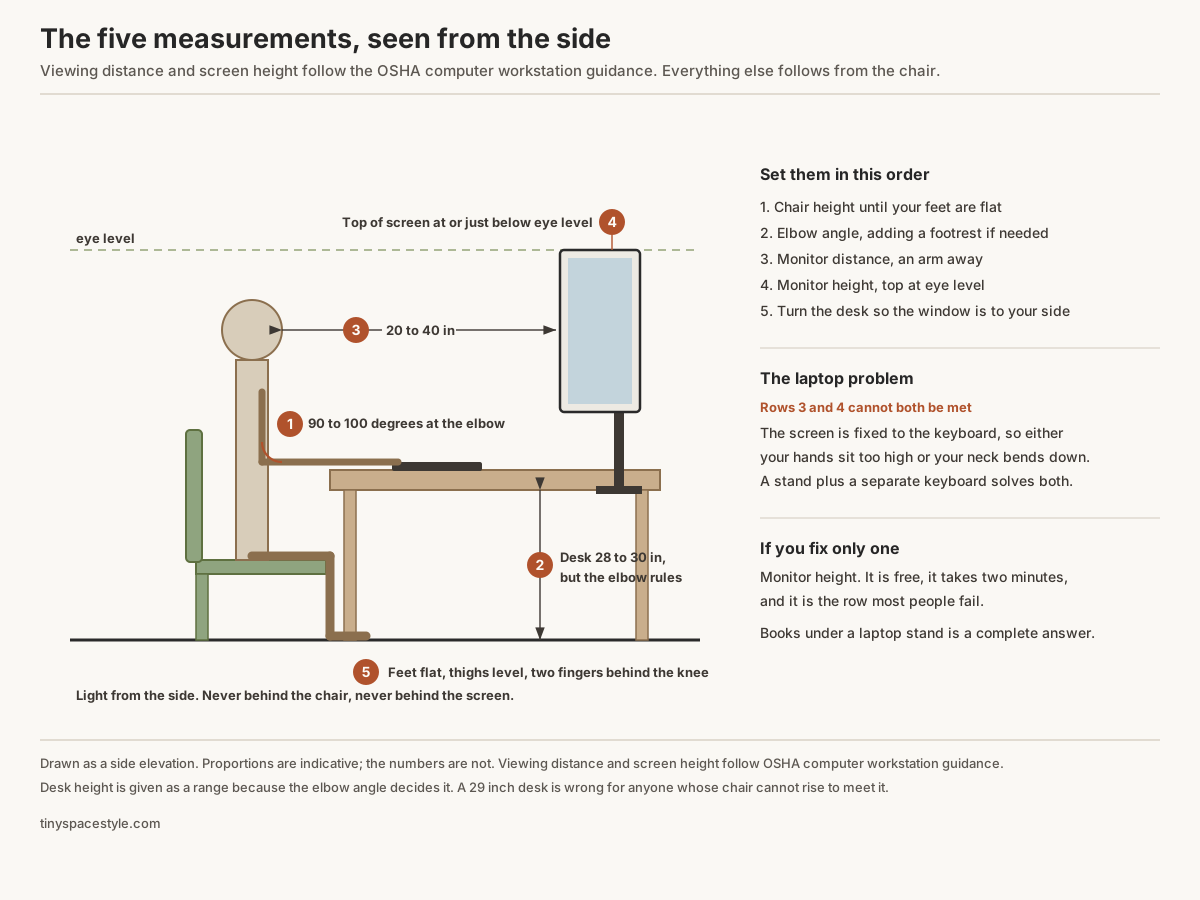
OSHA puts the preferred viewing distance at 20 to 40 inches from the eye to the front of the screen, with the top of the screen at or slightly below eye level and the centre 15 to 20 degrees below horizontal.
On a 24-inch deep desk that is tight. A monitor arm buys back the depth without moving the desk.
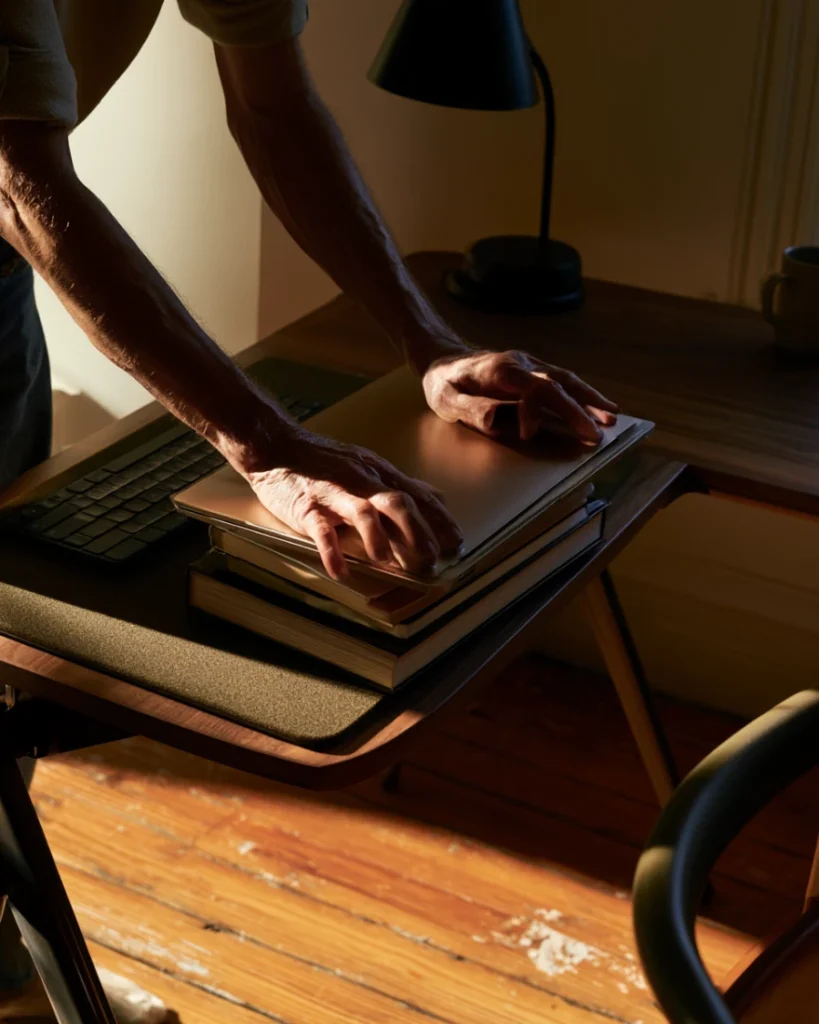
A laptop cannot meet both targets at once. The screen is attached to the keyboard, so one of them is always wrong.
Put the screen right, and your hands are too high. Put the hands right, and you look down at roughly 40 degrees all day.
This is the single most common fault in a home office setup and the cheapest one to correct.
- Laptop on a stand, plus a separate keyboard and mouse
- Or laptop closed on a stand beside an external monitor
- Never the laptop alone for more than an hour at a time
Chair, feet and back
The back of the chair does the work that your lower back otherwise does for eight hours.
Sit fully back in it. A chair used at its front edge is a stool with a decoration attached.
Two fingers of gap between the seat edge and the back of your knees. More and the seat is too deep.
A rolled towel behind the lower back does most of what lumbar support does, for nothing.
Armrests should let your shoulders drop. If they push your shoulders up, take them off rather than living with them.
Quick faults to check against your own posture right now:
- Shoulders raised, armrests too high
- Leaning forward constantly, the screen is too far or too small
- Sliding down the seat, the seat is too deep or tilted back
- Feet tucked under the chair, the seat is too high
- Wrists resting on the desk edge, the keyboard is too far forward
- Head tilted back, the screen is mounted too high
Light, Camera and Sound
This layer only matters if you are on calls, but it is where most home office setup advice gets it exactly backwards.
Where the light should come from
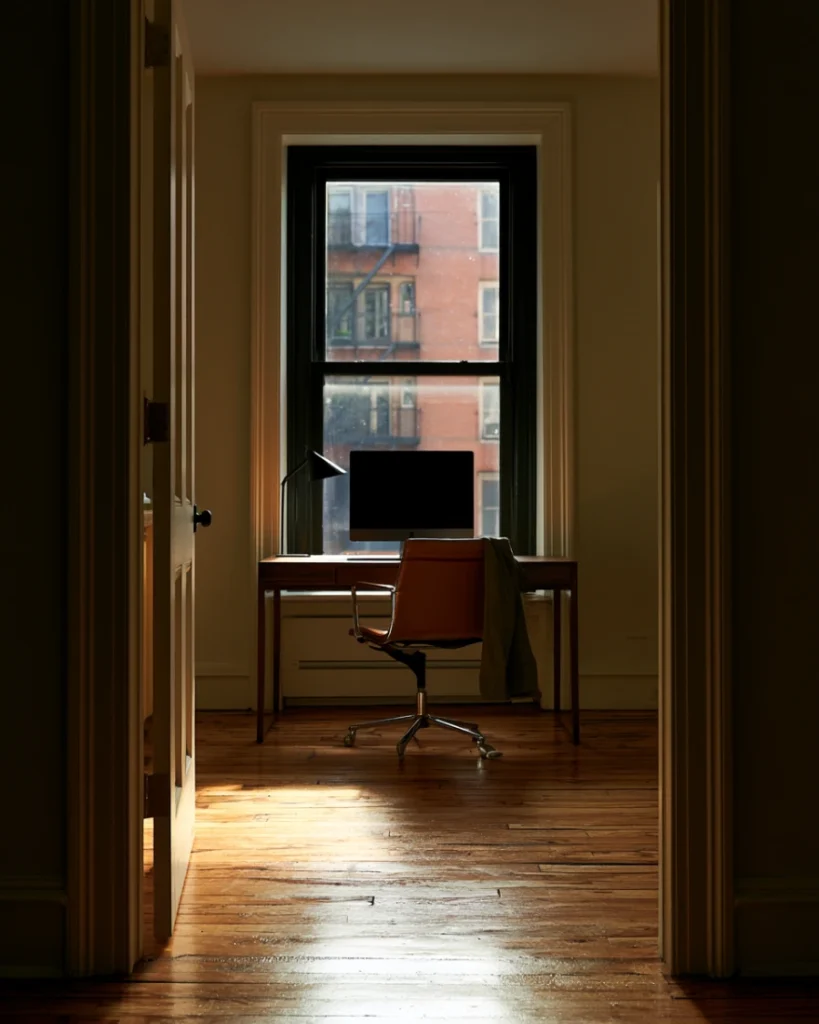
In front of you or to the side. Never behind you, and never behind the screen.
A window behind you turns you into a silhouette. A window behind the screen makes your eyes work against the glare all day.
OSHA puts it simply: place the monitor perpendicular to the window. Side on, not facing it or backing it.
Turning the desk ninety degrees costs nothing and fixes glare, silhouette, and eye strain in one move.
If the room only allows one orientation, a sheer curtain diffuses a window you cannot move.
Three lighting mistakes worth checking today
- A window directly behind your chair, which blows out every call
- A ceiling light directly overhead, which puts your eye sockets in shadow
- A task lamp aimed at the monitor rather than at the desk, which throws glare back at you
Camera and microphone height
A laptop camera sits at chest height and points up. That is the least flattering angle available, and it is the default for most people.
Raise the camera to eye level. A stand, a stack of books, or a webcam clipped to the monitor all work.
Eye level means the lens, not the top of the screen. Those are two different heights on most monitors.
For sound, distance beats equipment. A cheap microphone 8 inches away sounds better than an expensive one across the desk.
Soft surfaces cut echo. A rug, a curtain and a shelf of books do more than any software setting.
Hard rooms are the ones with bare floors and bare walls. If you can hear your own voice come back, the room needs softening rather than a better microphone.
Wired beats wireless for calls that matter. Batteries fail at the worst moment, and Bluetooth adds delay.
A room shared with a bed has the advantage here, since soft furnishings are already doing the acoustic work.
If You Can Only Fix One Thing
Fix the monitor height. It costs nothing, it takes two minutes, and it is the measurement most people fail.
A stack of books under a laptop stand is a complete solution. Nothing needs buying.
Second is the light. Turning the desk ninety degrees so the window is to your side is also free.
Both of those take ten minutes together and cost nothing, which is why they come before any purchase.
Third is the chair, and that one usually costs money, which is why it should be third rather than first.
People buy the chair first because it is the visible purchase. It is also the only one of the three that cannot be undone for free.
Fix the two free things, work for a fortnight, and then decide what the chair actually needs to solve.
Where each room type struggles
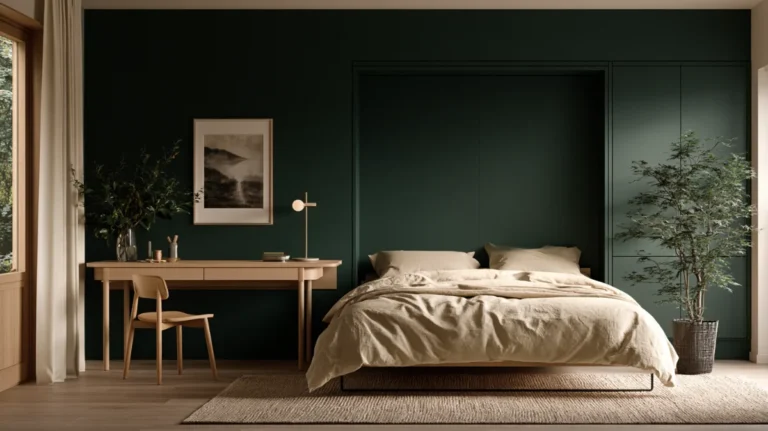
- Bedroom desk, the only good wall is usually taken by the bed
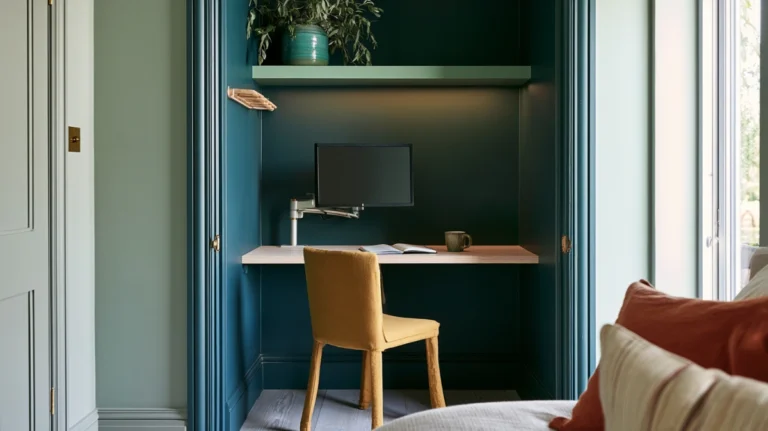
- Converted closet, no window, so the light has to be built rather than found
- Guest room, everything has to fold away when someone stays
- Studio, the desk shares a wall with the living space and has to read as furniture
- Dining table, no fixed setup survives dinner
Read more: fitting a working setup inside a closet
Read more: a room that has to be an office and a bedroom on alternate weeks
Read more: carving a work zone out of one open room
A desk in the living room has the same problem in a different shape, since the seating layout decides where a desk can go at all.
What to do after the numbers are right
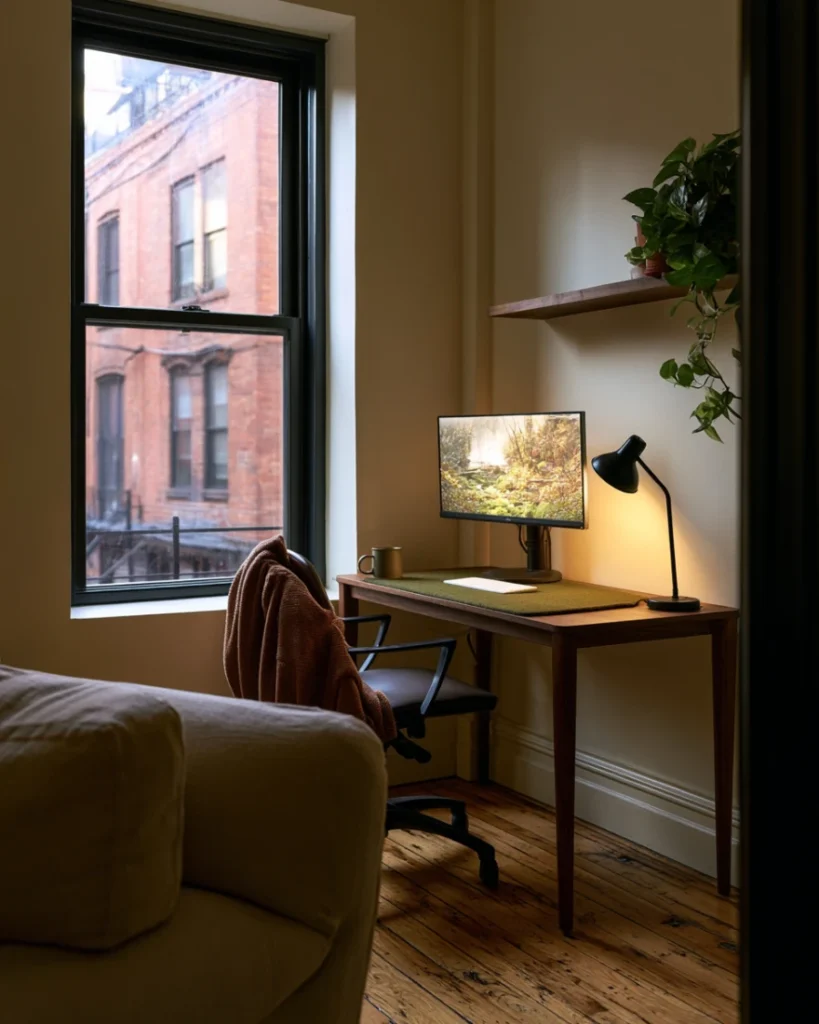
Only then does organising the surface make any difference, and the desk itself needs almost nothing on it.
Shelving above the desk is the usual next move, though what it holds depends entirely on the fixing.
If the office also stores hobby materials, that is a volume problem rather than a setup one, and it sorts by project instead.
In a studio, the layout decides the desk before ergonomics gets a vote, so start from the room plan.
And if the room has to hold a sofa as well, the furniture has to earn its footprint twice over.
The screen itself is worth a pass too, because a cluttered desktop costs attention the same way a cluttered desk does.
Re-check the five numbers once a year, or whenever you change a chair, a screen or a room.
A new monitor is the usual trigger. A bigger screen at the same distance breaks both the distance and the height rows at once.
Ten minutes with a tape measure once a year is the whole maintenance cost of a home office setup that does not hurt.